A LITTLE COMPANY. A LITTLE MISCHIEF.
Your desktop.
His playground.
Meet Drunk Yeti Desktop Buddy: a desktop pet to care for, play with, and keep you company while you work.
Explore the companion’s current downloads, platform requirements and release notes on the official product page.
Get Desktop Buddy ↗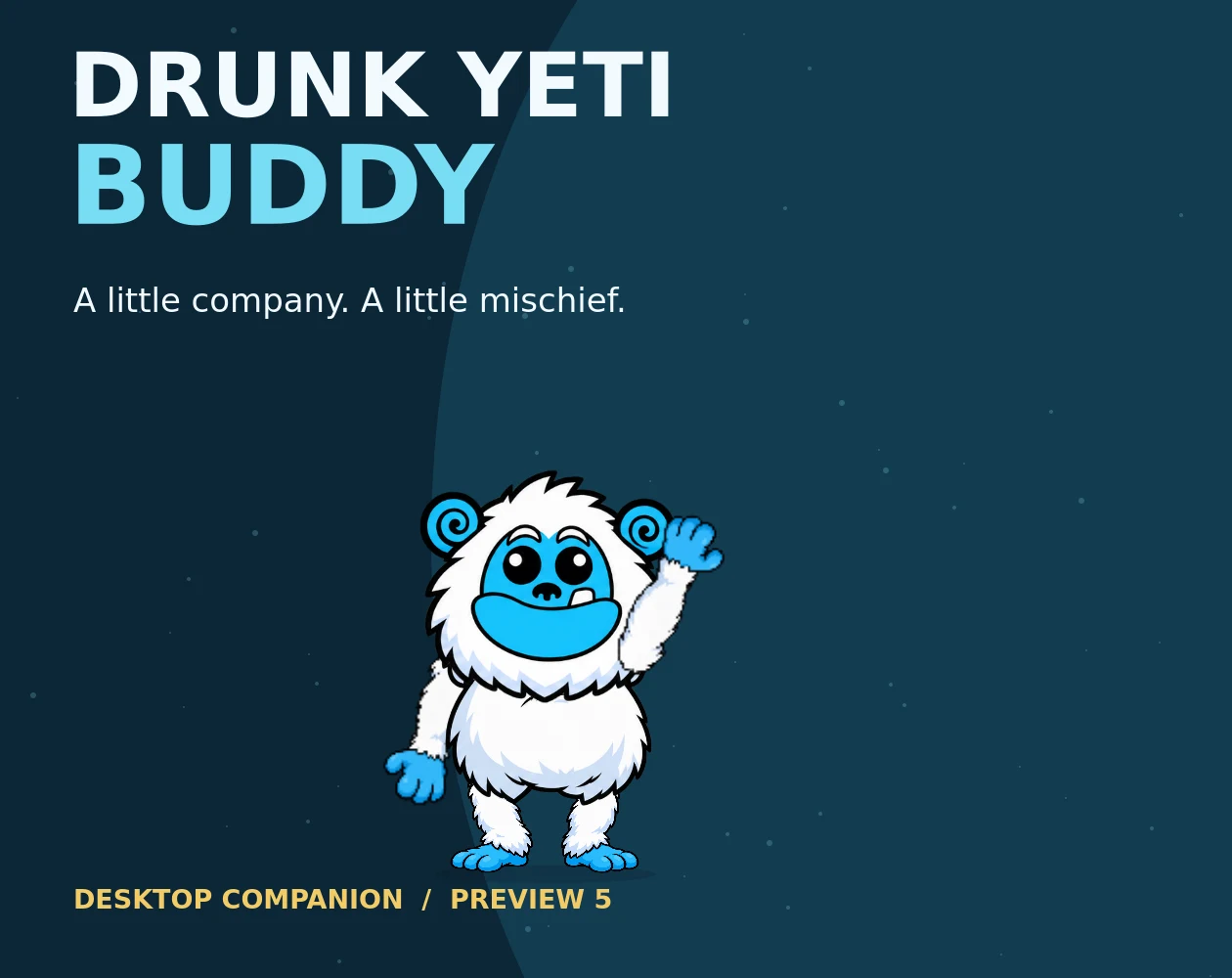
Say hello across the screen.
With Buddy running on this computer, send a wave or a surprised reaction from this page. From Buddy’s Website link window, wave back or send a little snow across the webpage.
Requires the Website Link adapter below. Existing Preview6 downloads need this source update; they cannot connect automatically. This is a cosmetic connection, separate from account sign-in.
Not connected. This page makes no local connection until you choose Connect.
Install the optional adapter
This first release is an add-on for the Preview6 source version of Desktop Buddy. Close Buddy, extract the adapter ZIP and run its installer with the path to your Buddy source folder. The included README has Windows, macOS and Linux instructions.
Download Website Link source adapter · Read setup instructions
The installer adds one menu entry and preserves a backup of your menu file. It does not install packages or change your account. Compiled Buddy apps require a rebuild on their target operating system before they include this adapter.
Your companion, your controls
The link stays on this computer and uses a temporary pairing code. It shares cosmetic reactions only—no email address, account tokens, purchases, files, keystrokes or browser history. It cannot click buttons or control desktop windows.
Pairing expires after 30 minutes. Close Buddy’s Website link window to stop the local bridge immediately. Website effects pause while this tab is hidden; reduced-motion preferences suppress animations. Buddy continues to respect quiet, focus, sleep and presentation settings.
Connection help
Use a desktop browser on the same computer as Buddy. If your browser asks for local-network or loopback access, allow it for this site to enable the connection. Availability varies by browser and its permission settings. A phone or tablet cannot reach Buddy on another computer through this local link.
If connection fails, check that the adapter is installed, Buddy’s Website link window is open, and you copied the current code. Restarting the link or disconnecting changes that code. You can use the studio website and your desktop companion independently at any time.
For account recovery, supported game services or purchases, visit Help & support.